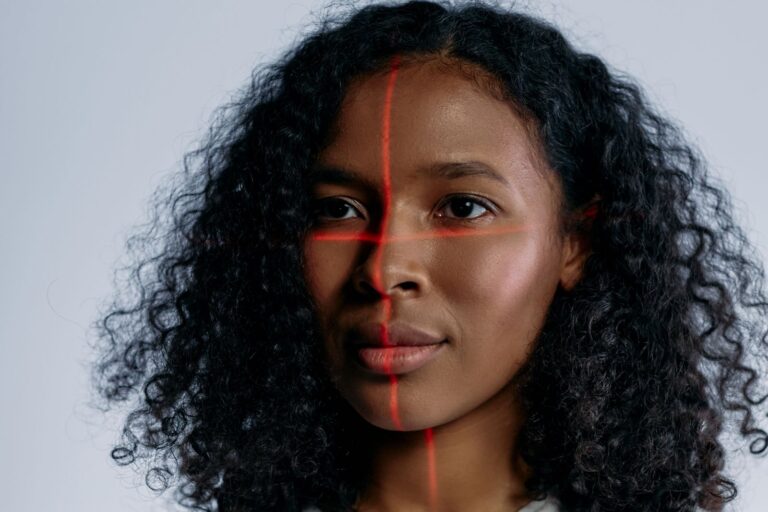
Photo Setup: How to Get a More Accurate Age Estimate

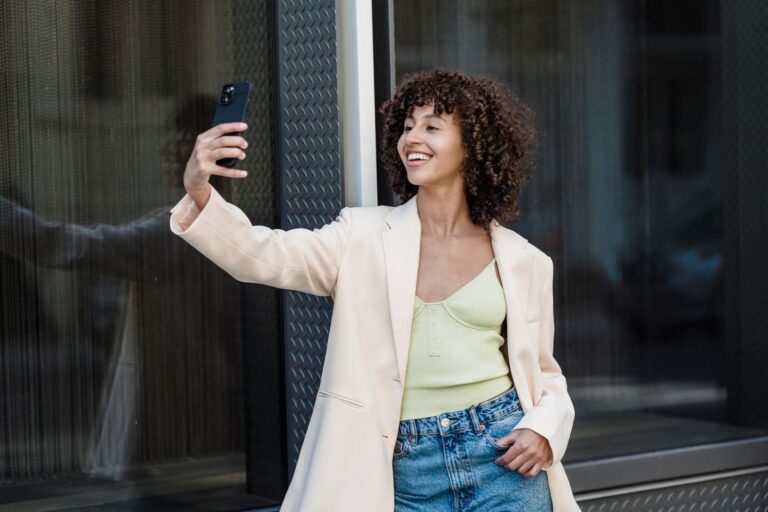
A steadier age estimate comes from a better photograph, not a better app. Most uploads are bathroom selfies taken at arm’s length under a ceiling light, with a beauty filter the phone switched on by itself. Fix four things, which are light, distance, expression and file, and the answer stops wandering.
Here is what a default selfie usually contains: light from above, a phone 30 centimetres away, a tucked chin, hair across one cheek, and a file that has passed through two messaging apps. Every one of those choices removes or bends a cue that an age estimator depends on. None of them is difficult to change, and the whole correction takes about two minutes.
Light: use the sky, not a lamp
Stand facing a window that is not in direct sun. Daylight from a large patch of sky is soft, so shadows under the eyes and beside the nose stay shallow, and the model gets a clean look at texture rather than at contrast. An overcast day outside works as well as an indoor window, and open shade under a tree or beside a building is fine.
Turn off the ceiling light and the flash. A downlight directly above you carves shadows into the eye sockets and under the cheekbones, while flash adds a bright patch on the forehead and nose and drops everything else into darkness. Mixed light is its own problem, because a cool window on one side and a warm bulb on the other give the camera a colour cast to guess at, and skin tone is one of the signals in play.
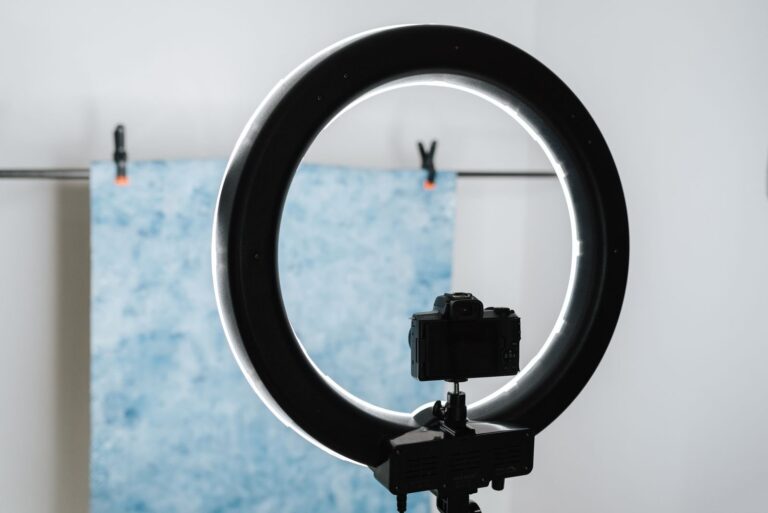
If daylight is not an option, sit facing a shaded lamp rather than beside it, and prop something white on the other side of your face to bounce a little light back. That is a rough substitute for a window, and on a dark evening it beats both a downlight and a flash.
What you should see in the finished photo: both eyes evenly lit, a soft shadow under the chin, no blown white patch on the forehead, and no dark band across the eyes.
Position: eye level, a metre back, whole head in frame
Hold the phone so the lens sits at the height of your eyes, not below your chin and not above your head. A low camera adds chin and neck; a high one enlarges the forehead and shrinks the jaw. Both change the shape the model is reading, and neither is the shape of your face.
Distance matters as much as height. Arm’s length with a wide phone lens stretches whatever is nearest, which is your nose. Prop the phone on a shelf, use the timer, or ask someone to hold it about a metre away and frame head and shoulders. Leave a little space above your hair and keep both ears inside the frame, because a face pressed against the edge of a photo is a face the detector may crop badly.
Keep one face in the frame. When two people appear, the tool has to choose between them, and it usually takes the largest or most confident detection, which may not be you. Crop to a single head before uploading, but crop generously, leaving the chin and the top of your hair inside the frame.
The check is simple: if your nose looks larger than it does in a mirror and your ears have shrunk, the camera was too close.
Face and styling: neutral, uncovered, unfiltered
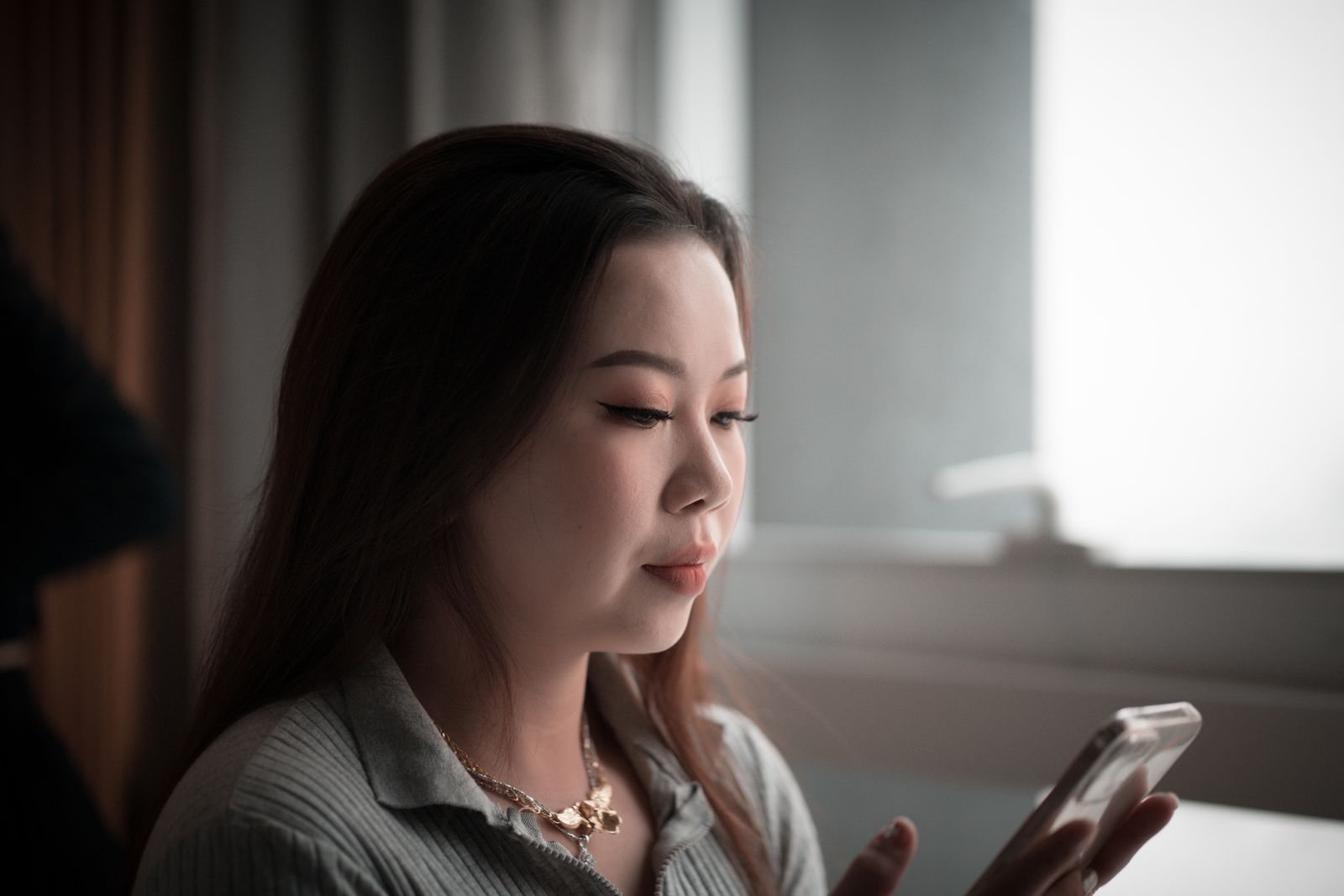
Keep a neutral expression with your mouth closed and your eyes open as they normally are. A wide smile changes the corners of the eyes and the shape of the cheeks, which are two areas a model watches closely. A hard stare does not help either; it just makes a different face.
Move your hair off your forehead and behind your ears. Hair covers the hairline and the sides of the face, and when it does, the model works from less. Take off hats and sunglasses. If you wear glasses every day, keep them on but tilt your head slightly until the lenses stop reflecting a window, since glare can hide an eye completely.
Makeup is a choice rather than a rule. Wear what you normally wear if you want the everyday reading; go bare if you want a baseline you can compare against later. Whichever you choose, turn off the camera’s beauty or skin-smoothing setting before you shoot. On many phones it is on by default, and it erases exactly the fine texture the estimate depends on.
File: recent, sharp, and untouched
Use a photo from the last few months. A picture from three years ago will be read as three years younger, correctly, and tells you nothing useful about now. Send the original from your camera roll rather than a screenshot or a copy forwarded through a chat app, because messaging apps often resize and recompress, and the fine detail goes first.
Cropping a face out of a group photo leaves too few pixels to describe skin, and a scan of a printed photograph adds blur and a colour cast. A long edge of roughly 1,000 pixels or more is a sensible floor, which almost any recent phone photo clears easily. Leave the file unedited: no filters, no auto-enhance, no stickers, no cropping to a circle.
The two-minute routine, and a fair comparison
Set up once, take three frames, then repeat the same setup on another day in different light. The spread between the numbers is more informative than either number alone.
- Choose a window with indirect daylight and switch off the room light and the flash.
- Prop the phone at eye level about a metre away, with head and shoulders in frame.
- Neutral face, hair back, glasses off if they catch the light.
- Take three shots and keep the sharpest, unedited file.
- Upload it to the site’s how old do I look page and write the number down.
- Repeat outdoors in open shade the next day, then compare the two readings.
If the two results sit within a few years of each other, that gap is roughly the tool’s noise, and you can treat the midpoint as a fair impression. If they differ by a decade, the setup is doing the talking rather than your face. Comparing across different tools only makes sense with the same file, and comparing with your real age needs the age calculator, which counts days instead of guessing them.
Before you upload anything, spend thirty seconds on the site’s privacy page. Look for a stated retention period, whether uploads are used to train models, whether the photo is processed on your device or on a server, and how to ask for deletion. The UK regulator’s guidance on the right to erasure sets out what a deletion request can cover and how long an organisation has to answer, which is a useful benchmark wherever you live.
FAQ
Do I need a proper camera?
No. A recent phone in window light at eye level beats a good camera held at arm’s length. What matters is the distance and the direction of the light, and both are free.
Should I smile?
A neutral face gives the steadier reading. A smile lifts the cheeks and crinkles the corners of the eyes, which is real information about you but a different expression from the one most tools compare against.
Does makeup change the result?
It can, mainly by evening out tone and hiding shadows under the eyes. That is not a reason to skip it; it is a reason to keep it consistent if you want to compare two results.
How many photos should I upload?
Three in different light, or two on different days. One photo gives you one opinion, and a single opinion is not a range.
Last updated: October 26, 2026. This article is for general information only and is not medical, veterinary or legal advice. For decisions about your own health, your pet, or a legal matter, consult a qualified professional.
Sources
- Information Commissioner’s Office, Your right to get your data deleted: ico.org.uk